


 Go to console

 Change theme


 Edit Account
 Logout
Purchase
Order devices in bulk
The best option is to order Particle devices in bulk tray or reel quantities from Particle. This makes it very easy to pre-add devices.
Why pre-add devices?
Pre-adding devices:
- Adds the device (by serial number or Device ID) to your product
- For cellular devices, it activates the SIM
In most cases activating the SIM occurs quickly, it can take up to 12 hours in some cases. By pre-activating your SIM cards it eliminates the wait to use them.
In the basic and enterprise plans, billing does not start until the device first connects to the Particle cloud, so adding them in advance does not generally carry a significant cost.
Adding devices in bulk
Adding devices to a product is easy to do from the Particle console.
From order number
If you have ordered devices in bulk from Particle directly, you can just enter the order number to automatically add the devices to your product.

From a file of devices IDs or serial numbers (alternative)
You will also be mailed a csv file of devices in your order. You can use that to activate devices. This option also allows you to add columns to set other fields such as device groups for devices in your order.

Scan data matrix code reader (alternative)
If you are working with a smaller quantity of devices, you may want to use handheld code reader that can read data matrix codes.
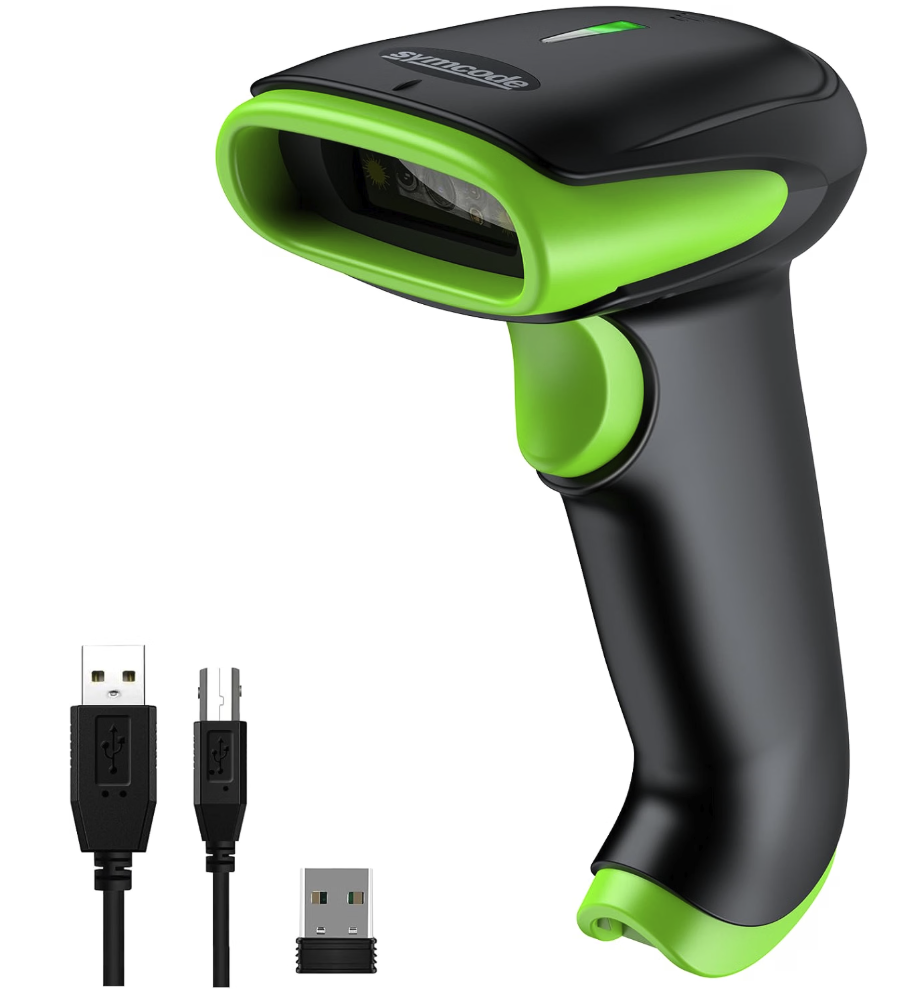
These generally can be used wired or wirelessly and emulate a keyboard entering the code. This can be used with the import devices tool which can parse out the serial number and ignore the mobile secret values to add devices as quickly as you can scan them, no need to interact with the computer between devices.
Add devices individually (alternative)
It is also possible to add the devices individually later. This is a reasonable alternative for small numbers of devices, particularly if you are flashing the devices yourself instead of through a contract manufacturer.