


 Go to console

 Change theme


 Edit Account
 Logout
B-SoM setup
This page walks you through unboxing and setting up a B-Series SoM (B-SoM), a cellular M.2 system-on-module with Bluetooth LE designed for IoT products. By the end, the B-SoM will be powered up and ready to add to your Particle account.
Unboxing
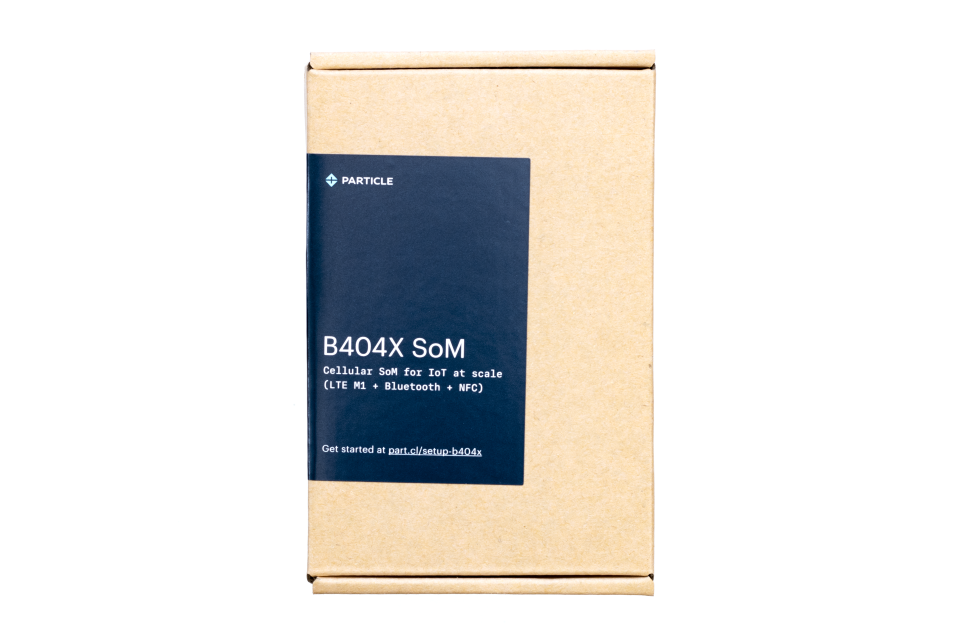
The B-SoM box contains:
- B-SoM system-on-module
- Cellular antenna (PARANTC41EA)
- Bluetooth antenna (ANT-FLXV2)
Note:
The M.2 SoM breakout board and the M.2 evaluation board are sold separately.
Choose a board
You can set up the B-SoM on either of these boards:
- The M.2 SoM breakout board, which gives you the most flexibility when evaluating and designing custom hardware
- The M.2 evaluation board, which is older hardware
Using the M.2 SoM breakout board
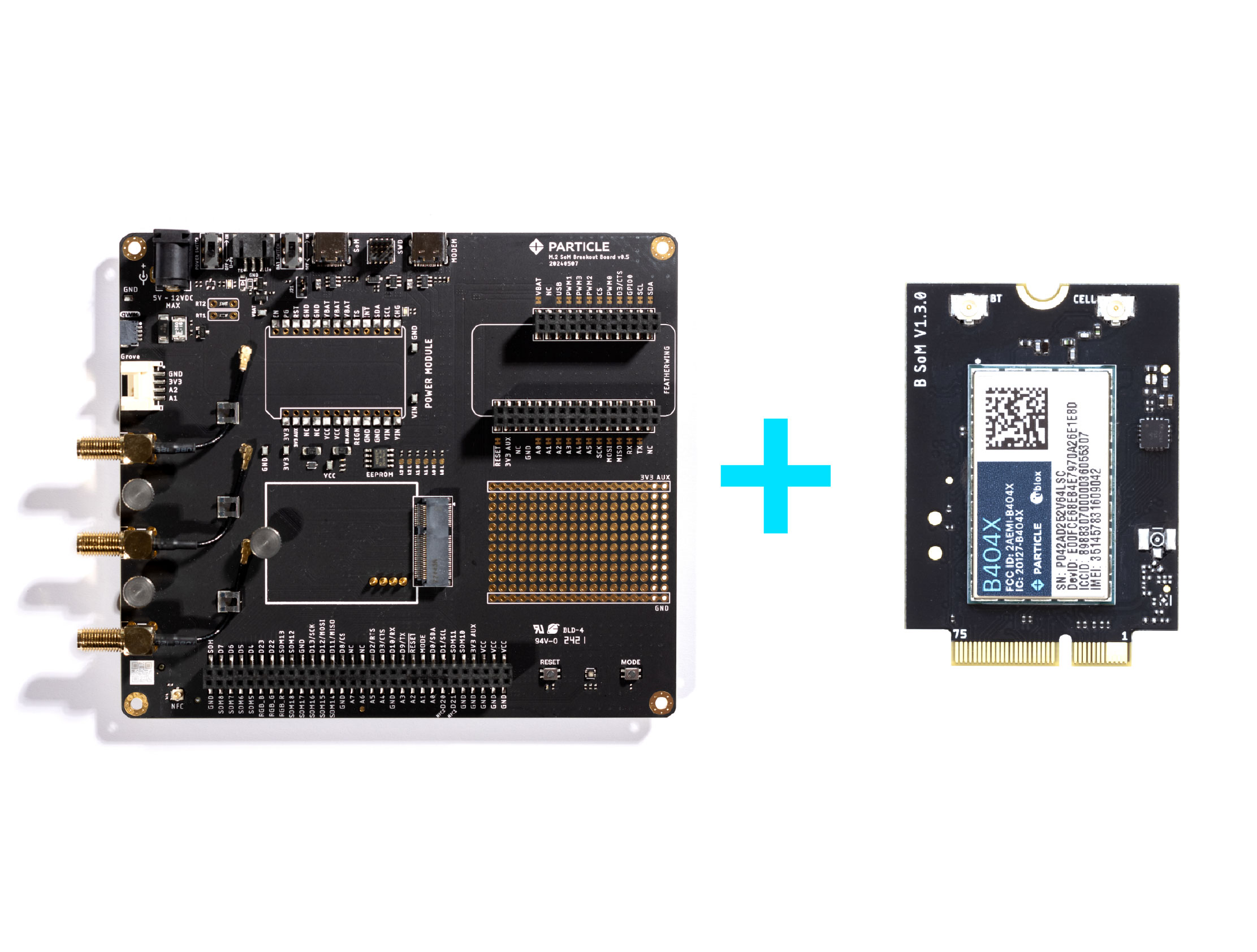
- Insert the B-SoM into the M.2 socket on the breakout board.
- Connect the cellular and Bluetooth antennas.
- Install the power module on the breakout board.
- Power the board with the supplied AC/DC power adapter.
- Plug in the battery.
- Connect the breakout board to your computer with a USB cable.
For more details on the layout and specifications, see the M.2 SoM breakout board datasheet.
Using the M.2 evaluation board
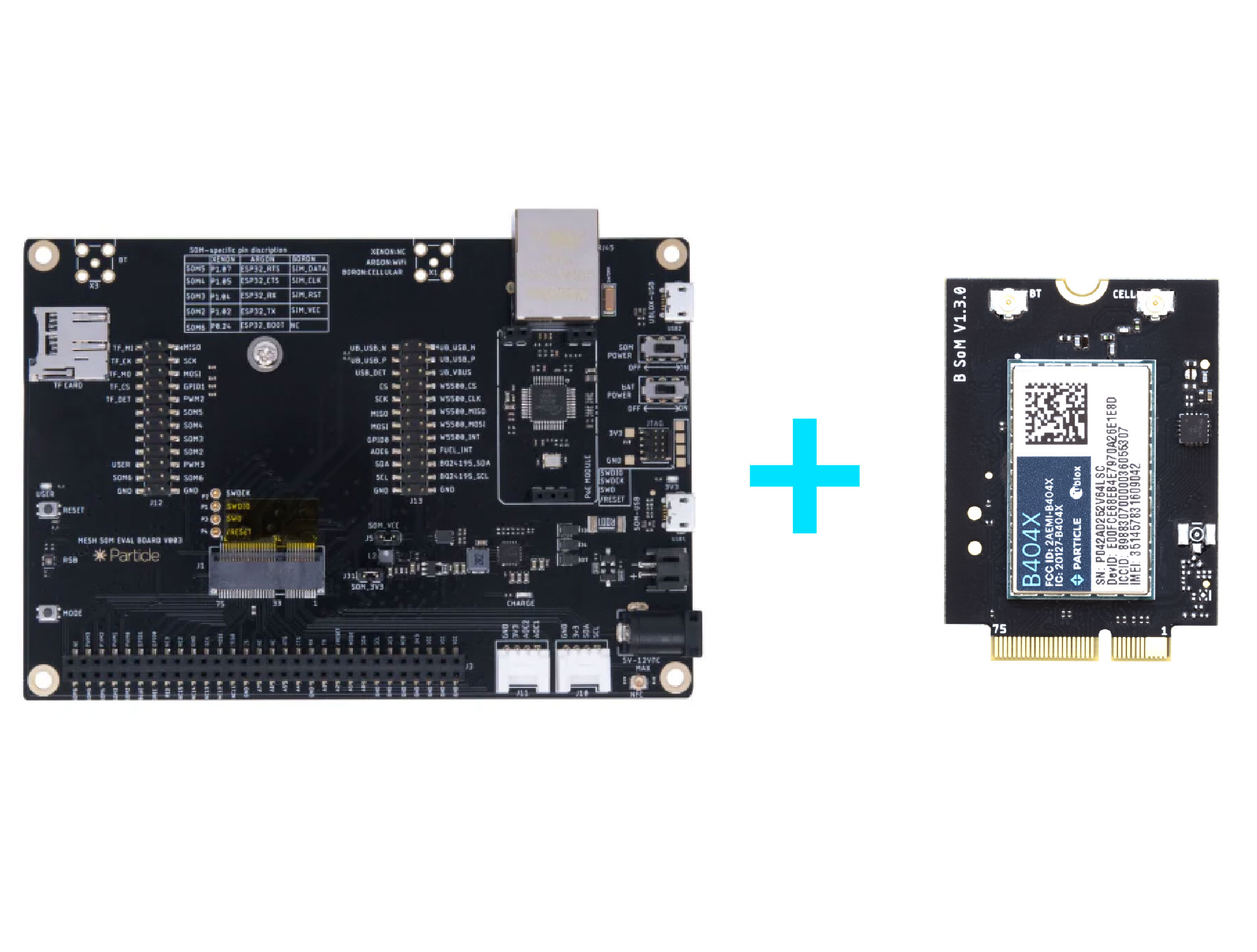
For detailed instructions on setting up the B-SoM on the M.2 evaluation board, see the M.2 evaluation board datasheet.
Add to your account
To add the device to your account and make sure it's running the latest Device OS, go to setup.particle.io and follow the guided instructions.
Next steps
Once setup is complete, continue with the getting started guide to explore the Particle console and program your device.