


 Go to console

 Change theme


 Edit Account
 Logout
Photon 2 setup
This page walks you through unboxing and setting up a Photon 2, a Wi-Fi development board with Bluetooth LE. By the end, the Photon 2 will be powered up and ready to add to your Particle account.
Unboxing
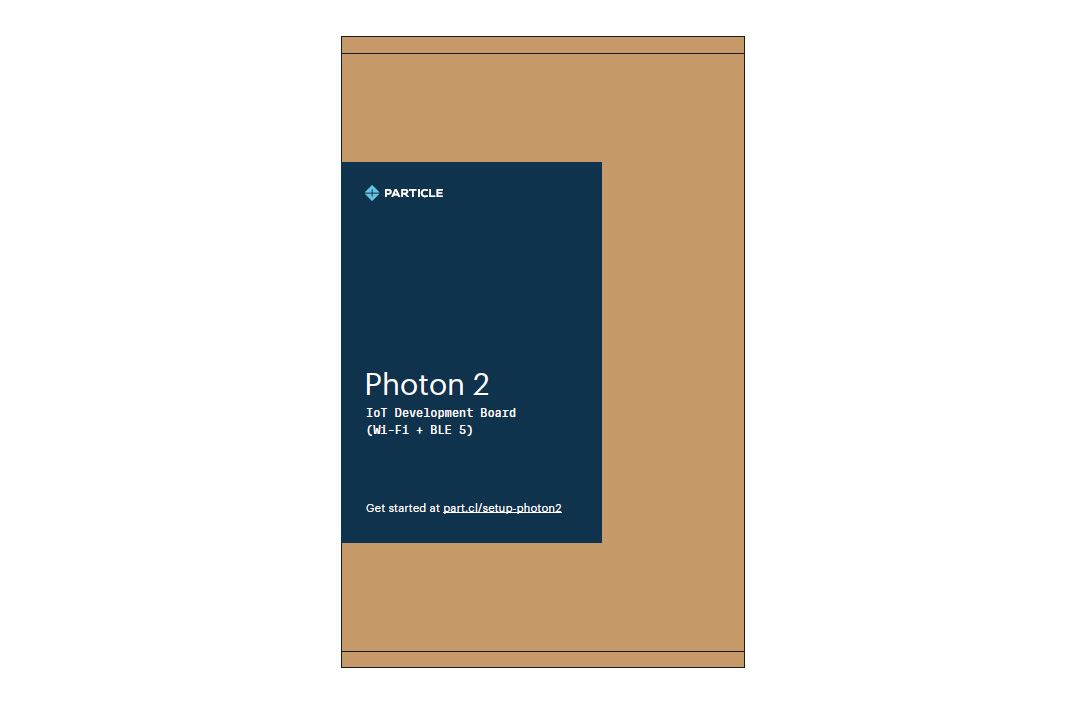
The Photon 2 box contains only the Photon 2 device. Check that you have it before you start.
Note:
The board does not include an antenna, USB cable, battery, or prototyping accessories.
What you'll need
- A Photon 2
- A micro-USB cable for power and data
- A computer (Windows, Mac, or Linux), which you'll use to set up the device and to program it with Particle Workbench
- Your Wi-Fi network name and password
- Optionally, a Li-Po battery for portable or backup power
Prepare the hardware
- Connect the micro-USB cable between the Photon 2 and your computer. This provides both power and a data connection.
- If you want to use a battery, connect the Li-Po battery.
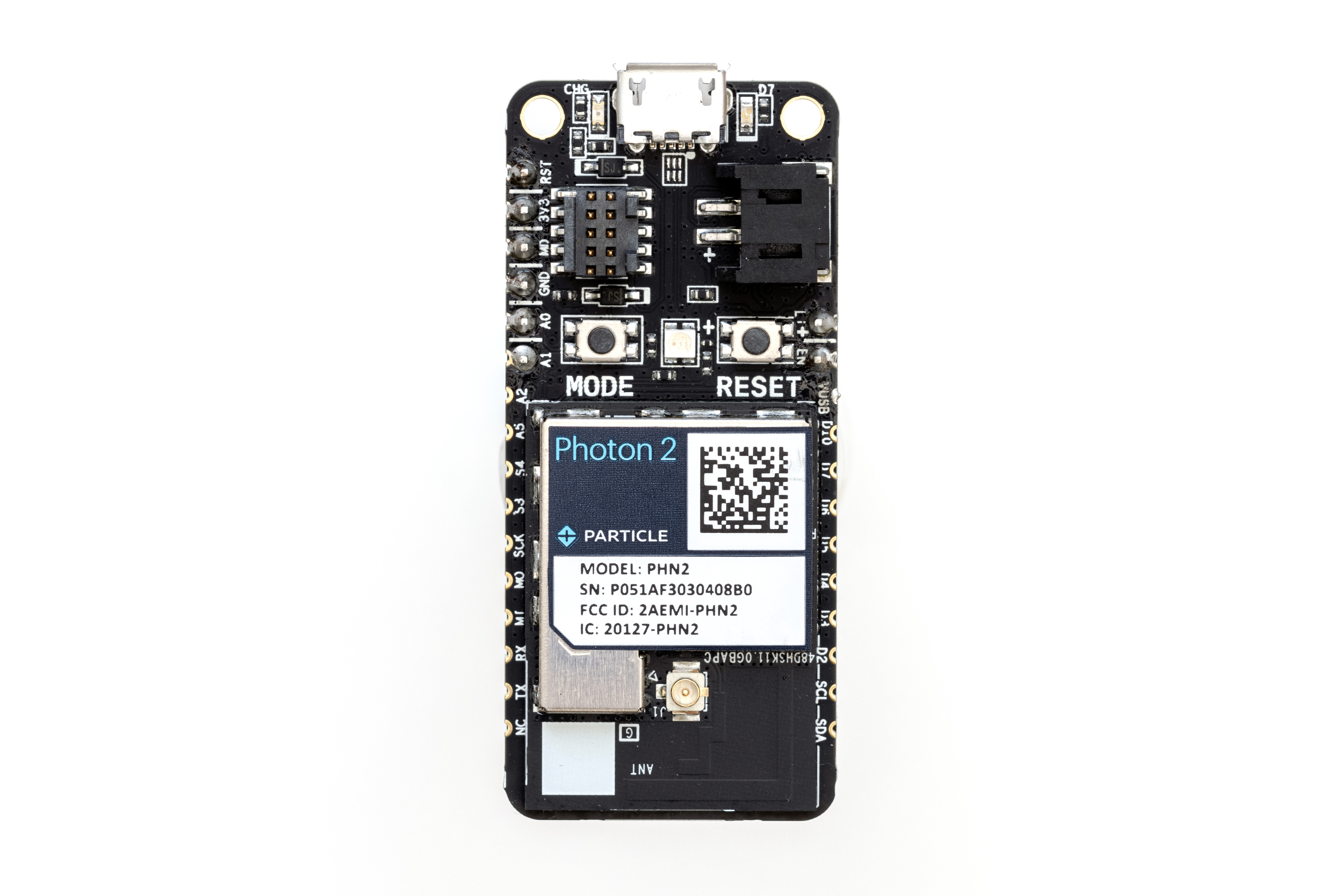
Add to your account
To add the device to your account and make sure it's running the latest Device OS, go to setup.particle.io. The guided setup will:
- Sign you in, or create a Particle account if you do not have one yet
- Add your Wi-Fi credentials to the device
- Update the Device OS if necessary
Next steps
Once setup is complete, continue with the getting started guide to explore the Particle console and program your device.