


 Go to console

 Change theme


 Edit Account
 Logout
Using Github
Github is a place to store code. It can be used for private projects, sharing code privately between team members, and open source projects. It's the primary way Particle open source code is distributed, and is well-integrated with VSCode, making it ideal for use in Particle Workbench.
It maintains a historical record of changes you have made to your code, and provides a secure, off-computer backup.
It is also free for many individual users, with generous limits on how much code you can store.
Creating an account
If you do not already have an account, you can create one at https://github.com/. It only requires a valid email address to sign up.
Github code storage and sharing
Github is ideal for storing your code and sharing, and there are too many features to list here. A few terms you will encounter:
- clone is what you do to make a copy of a repository on your computer so you can build it
- fork makes a copy of a repository in your own repository so you can make modifications without affecting the original
- pull merges changes made in the original into your local version
- push copies your local modifications to the server for safe keeping
For libraries
The community libraries available using Particle: Install library are often stored in Github.
Many libraries are published with Apache 2.0, BSD, or MIT open source licenses which not only allow you to use them in closed source firmware, but also make modifications, if desired.
This is particularly useful with Github, because the concept of a fork allows you to make a copy of a library, make changes, and later merge updates from the original library. In some cases, you may want to contribute changes back to the original library.
You can find more information about libraries in firmware libraries.
For blueprints
Particle has a collection of reference firmware for various purposes at blueprints.particle.io.
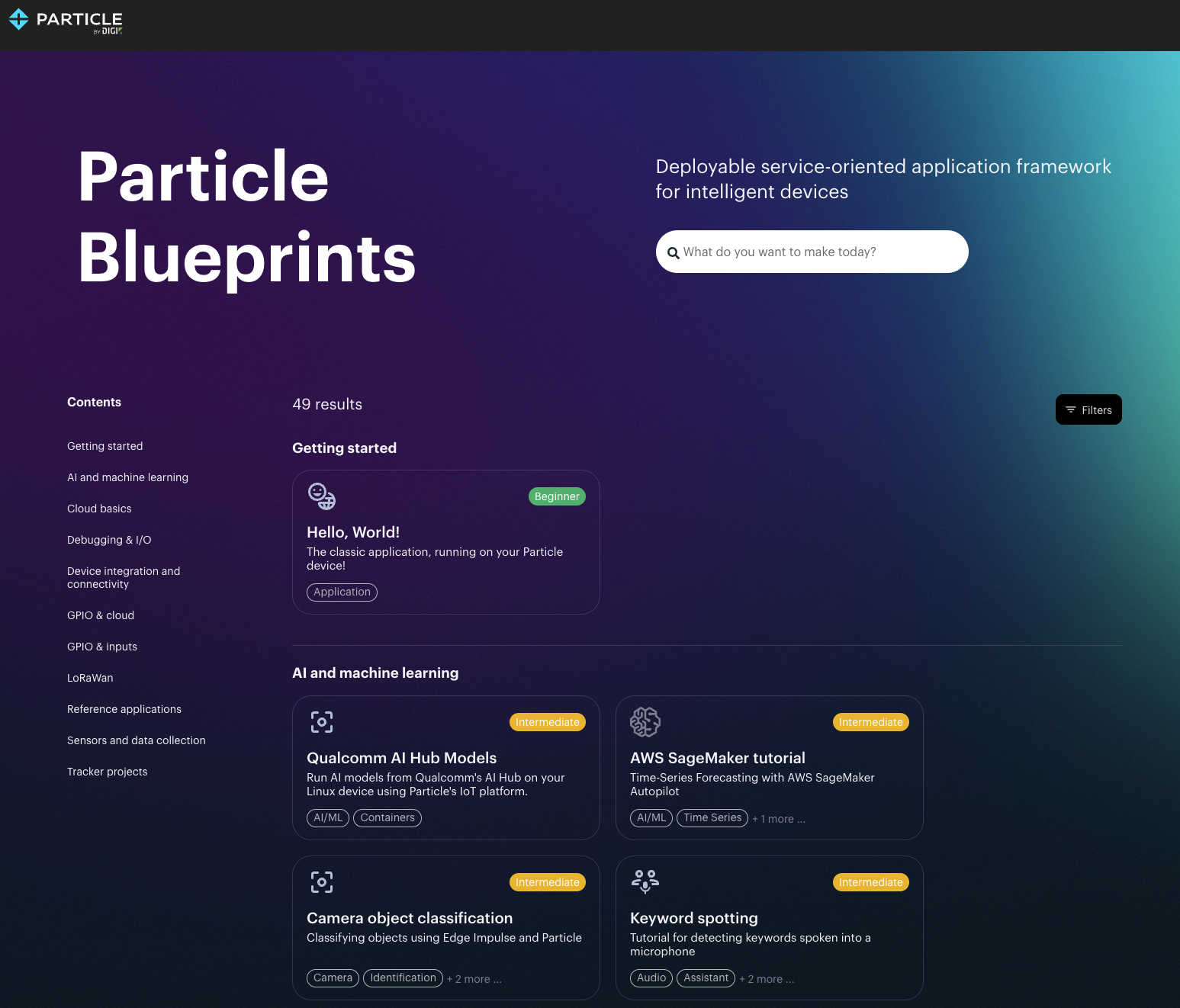
Each of these designs includes instructions and firmware in a Github repository that you can clone or fork, allowing you to customize it for your own use.
Github in Workbench
The Github extension in Workbench makes it easy to use Github. It is typically automatically installed and ready to use.
Open the command palette (Ctrl + Shift + P or Command + Shift + P). Start typing "git" to see a list of commands available.
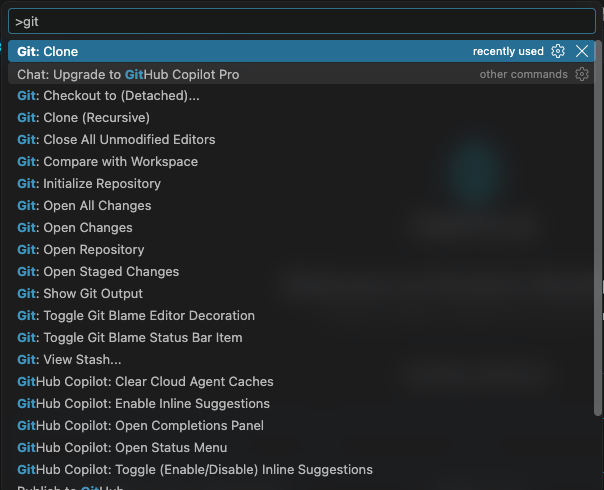
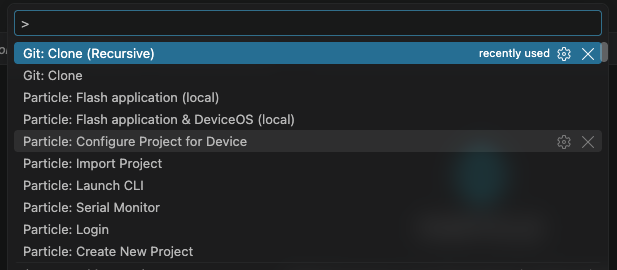
If you want to make a clone of a repository you can use Git: Clone (Recursive). You can use the non-recursive option as well for most repositories, but some like tracker-edge and device-os require it, and it doesn't hurt to use it all of the time. Recursive also clones submodules, which you could also do using git submodule init recursive from the command line, but the built-in version is usually easier.
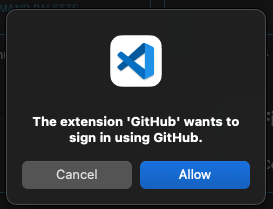
If you haven't signed in yet, sigh in with your Github credentials.

You will be prompted for where to clone from, select Clone from Github.

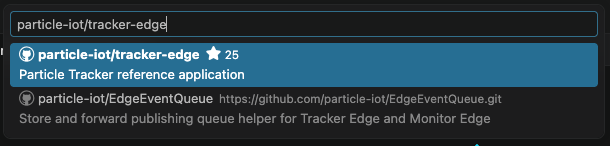
Enter the repository, such as particle-iot/tracker-edge.
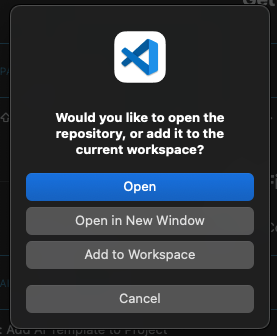
When the clone is complete you are prompted for where to open it. You should only select Open (replaces current window) or Open in New Window. Using the Add to Workspace option will create a multi-root workspace, with multiple projects, which does not work well with the Particle extension.
CI/CD - Github actions
There is good support for continuous integration and continuous deployment (CI/CD) of fleet firmware using Github actions.