


 Go to console

 Change theme


 Edit Account
 Logout
Tracker One setup
This page walks you through unboxing and powering up a Tracker One, a rugged, ready-to-go asset tracking device. It also explains the status LEDs. By the end, the Tracker One will be powered up and ready to add to your Particle account.
Note:
This page is for the Tracker One. For the Monitor One, see Monitor One setup.
Unboxing
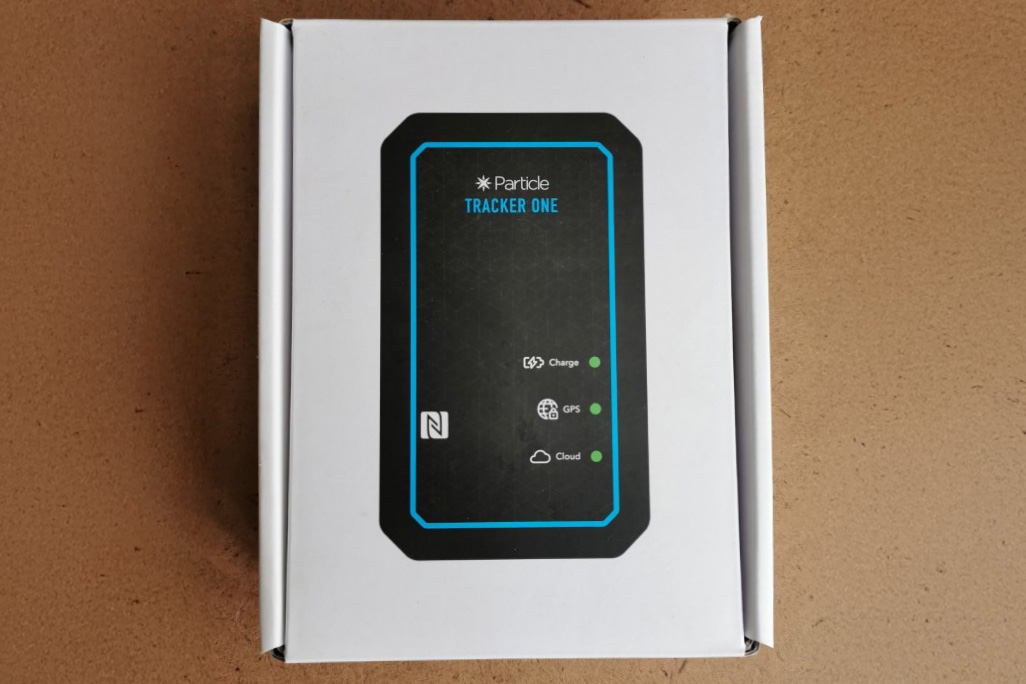
The Tracker One comes pre-assembled in its IP67-rated enclosure, so you can get started right away. The box contains:
- Tracker One
- USB-C to Type A cable
Note:
The Tracker One M8 accessory cable and sensors are sold separately.
What you'll need
- A Tracker One
- The USB-C to Type A cable that is included in the box. You can also use a USB-C to USB-C cable, but make sure it supports data transfer, not just charging.
- A computer (Windows, Mac, or Linux), which you'll use to set up the device and update the Device OS
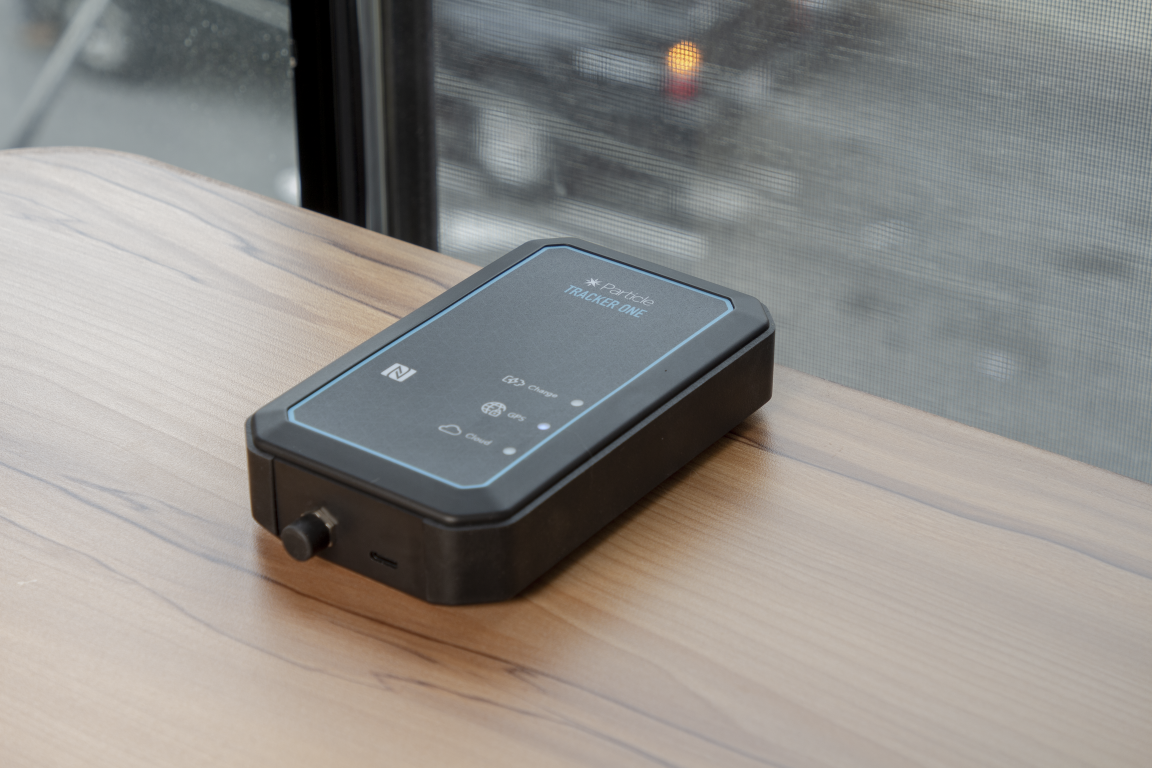
Powering on the device
The Tracker One ships in shipping mode to preserve the battery during transport. It does not have a power button. To wake it from shipping mode:
- Connect the USB cable to the Tracker One.
- Plug the other end into your computer or a dedicated USB power supply.
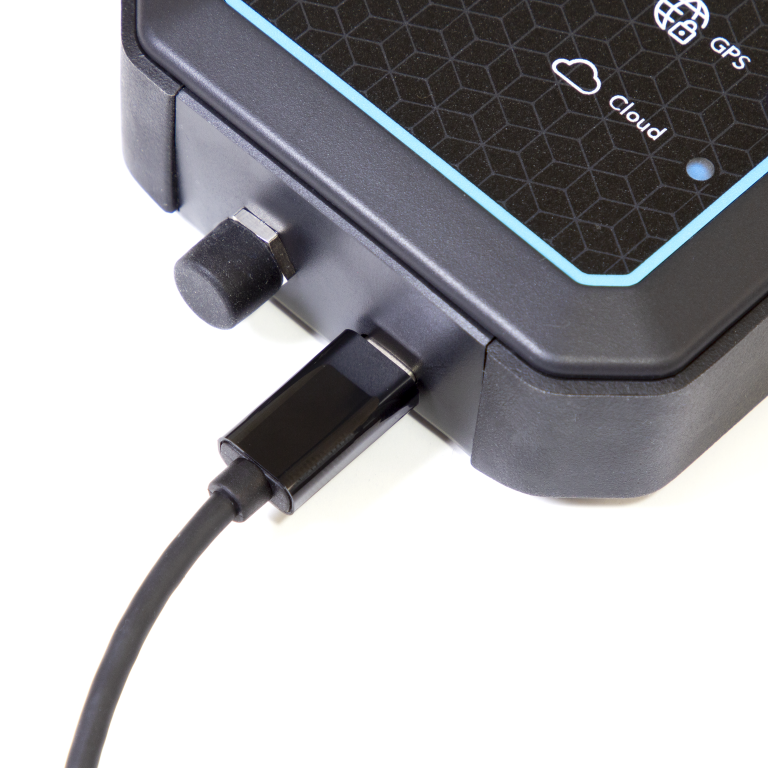
This powers up the device and begins the startup sequence.
Setup
For device and computer setup, see the Tracker One guide.